
Start simply
Mattr Free
£0/month on a compatible Android TV or compatible Android dongle. Core signage with agreed advertising participation and a 60% revenue share.
Mattr Business · Factories & Manufacturing
Use Mattr for production floors, warehouses, staff areas and operational screens.
What you can show
Start simply
£0/month on a compatible Android TV or compatible Android dongle. Core signage with agreed advertising participation and a 60% revenue share.
More control
£9/screen/month, billed annually at £108 per screen, with Mattr Player included, advanced controls, optional advertising and 70% revenue share when enabled.
How it works
Use compatible Android hardware or a Mattr Player.
Upload, schedule and manage from your Mattr account.
Free participates in the network. Premium gives you the choice.
A closer look
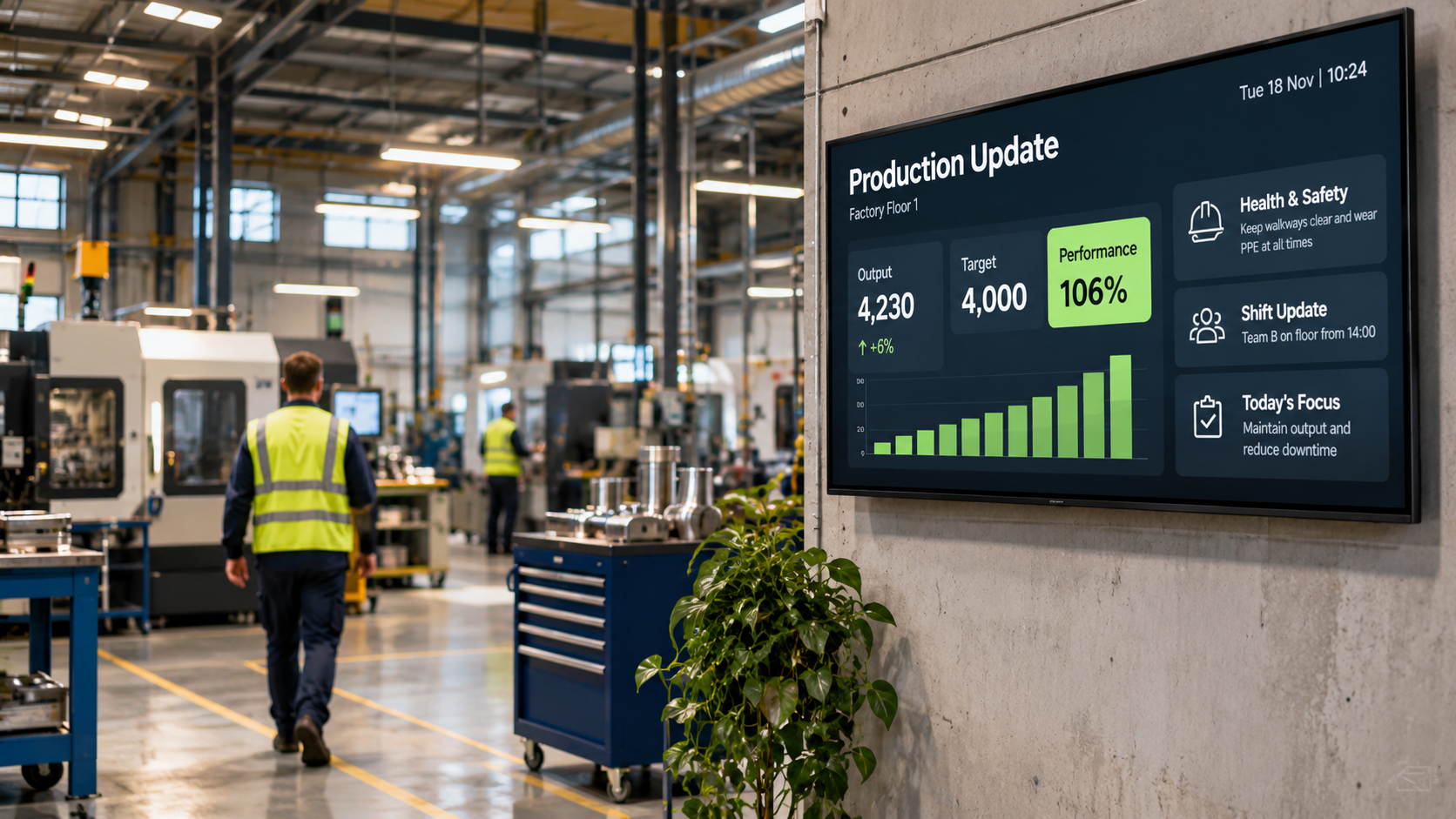
A factory, warehouse or production environment may use screens for shift notices, targets, quality updates or shared announcements. Decide who the display is for and which information they need during a normal working day. A staff area may suit a concise summary, while an operational location may require a more focused view. Keep the screen’s purpose specific enough that somebody can tell whether its content is useful. Displaying more information is not automatically an improvement if the essential message becomes harder to find.
Treat operational and safety requirements as the starting point for the layout. Advertising or general announcements should never obscure information that staff need to carry out their work safely. Consider viewing distance, lighting, movement and any restrictions on equipment in the area. A marketing display is not a substitute for a required safety system or an authoritative operational control. Discuss the intended use with the people responsible for the site, and keep any essential communication route separate where appropriate. The purpose is clearer information, not additional distraction.
Dashboards and performance figures need an identified source, an agreed audience and a person responsible for accuracy. If you want information from an existing production or business system, describe that source and the expected update pattern to Mattr. Compatibility and access requirements need checking before any direct integration is assumed. Avoid exposing private credentials or sensitive business information on publicly accessible screens. You can prepare the content structure while the technical requirements are reviewed, with clear responsibility for validating the figures that eventually appear.
Use a simple process for approving announcements, checking schedules and removing information that is no longer relevant. For several departments or sites, distinguish shared messages from content intended for one team. Premium can remain advertising-free where that is the right fit for the environment. If advertising is considered for a suitable public or staff area, assess it separately from operational displays. Any calculator scenario depends on opening hours, paid demand and delivery assumptions. Choose the setup around the site’s real communication needs rather than treating estimated advertising income as the main purpose of an operational screen.
Factories & Manufacturing