
Start simply
Mattr Free
£0/month on a compatible Android TV or compatible Android dongle. Core signage with agreed advertising participation and a 60% revenue share.
Mattr Business · Fitness
Use Mattr throughout gyms, studios and wellness spaces.
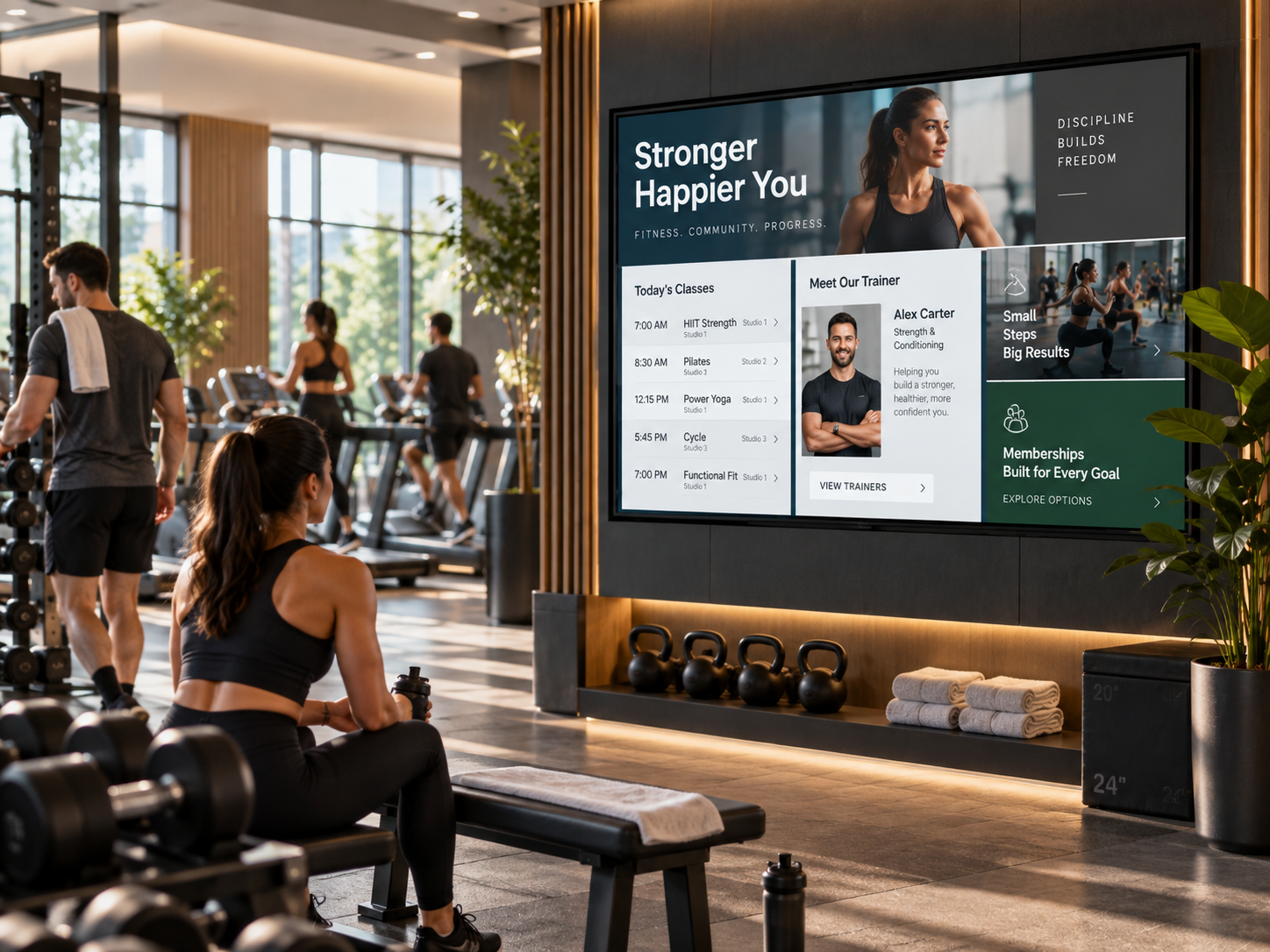
What you can show
Start simply
£0/month on a compatible Android TV or compatible Android dongle. Core signage with agreed advertising participation and a 60% revenue share.
More control
£9/screen/month, billed annually at £108 per screen, with Mattr Player included, advanced controls, optional advertising and 70% revenue share when enabled.
How it works
Use compatible Android hardware or a Mattr Player.
Upload, schedule and manage from your Mattr account.
Free participates in the network. Premium gives you the choice.
A closer look
A reception display, a studio entrance and a seating area can each support different information. At arrival, members may need a timetable change or a reminder about where a session is taking place. Elsewhere, a screen could introduce a trainer, highlight a forthcoming workshop or explain a membership offer. Start by listing the questions staff regularly answer. Those questions often point to a clearer first use than a playlist designed only to look busy. The screen should help members understand what is happening in the space.
Fitness environments can be visually busy, and people may glance at a display while moving between activities. Use a clear headline, strong contrast and short messages that work without sound. Review the design from a normal viewing position instead of judging it only on a computer. Avoid content that distracts from instruction or safety information. A community announcement can feel welcoming, while a crowded slide full of small terms and multiple calls to action is more difficult to use. Prioritise one useful message at a time.
Connect the content routine to the real pattern of the business. Class information may need checking regularly, while trainer introductions or membership messages might stay relevant for longer. Decide who owns the schedule and who checks changes before they appear. For several studios or sites, identify which information is common and which is local. Discuss any specific timetable source or integration requirement before assuming it can connect directly. Clear content ownership makes it easier to keep displays accurate without creating another complicated task for the front desk.
Advertising may suit some areas better than others. A welcome area or lounge has different requirements from a screen supporting a class or showing important operational information. Think about suitable categories and the experience you want members to have. If you explore revenue, enter realistic weekly opening days and average daily hours into the calculator. Its default twenty paid ad plays per open hour at 10p per play is an adjustable planning assumption. It does not guarantee demand, and it should not replace the value of clear member communications when choosing the setup.
Fitness