
Start simply
Mattr Free
£0/month on a compatible Android TV or compatible Android dongle. Core signage with agreed advertising participation and a 60% revenue share.
Mattr Business · Hospitality
Use Mattr across receptions, bars, restaurants, lounges and guest areas.
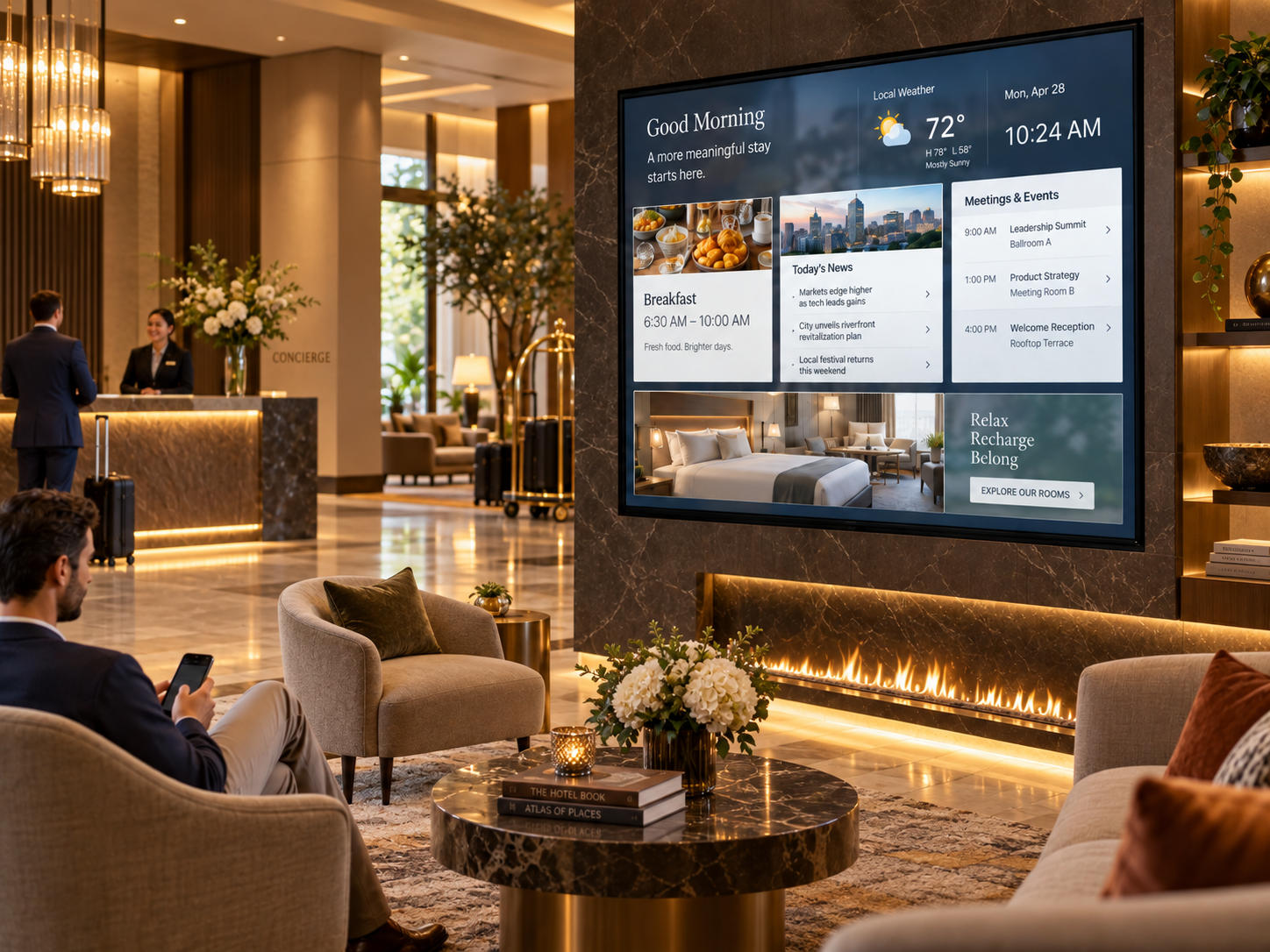
What you can show
Start simply
£0/month on a compatible Android TV or compatible Android dongle. Core signage with agreed advertising participation and a 60% revenue share.
More control
£9/screen/month, billed annually at £108 per screen, with Mattr Player included, advanced controls, optional advertising and 70% revenue share when enabled.
How it works
Use compatible Android hardware or a Mattr Player.
Upload, schedule and manage from your Mattr account.
Free participates in the network. Premium gives you the choice.
A closer look
Hospitality venues often have several different audiences in the same building. A guest arriving at reception needs different information from somebody choosing lunch or waiting for an event. Start by mapping the places where screens already sit and the questions people ask in each area. That could include breakfast times, directions to a meeting room, food promotions or a reminder about a local event. A useful screen answers a question at the right moment instead of trying to show every message the business has available.
Most guests will not stand still to read a dense slide. Keep headings clear, use a short supporting message and avoid important details that only make sense with sound. Check text size from the normal viewing distance, including the place where somebody waits in a queue or sits in a lounge. A reception display may suit a concise welcome and practical information, while a bar screen can support a menu or timely offer. Review images and prices carefully so that a polished design remains accurate as well as attractive.
Consider what changes during the day and who is responsible for updating it. Breakfast information should not dominate the screen during an evening event, and a seasonal offer needs a planned review date. For several areas or locations, make a simple content map showing which messages are shared and which belong to a particular place. Discuss the control and scheduling requirements when choosing a plan. The aim is a routine staff can maintain alongside guest service, with clear responsibility for checking that the right information is being displayed.
Advertising can create another use for a suitable hospitality screen, but it should respect the reason guests are there. Consider the categories that feel relevant, any competitors that need discussing and the times when advertising would be inappropriate. Use the earnings calculator with the venue’s genuine opening days and hours rather than assuming constant delivery. Twenty paid ad plays per open hour at 10p per play is the starting model, not guaranteed demand. Keep the value of your own information central when deciding how the screen should be used.
Hospitality