
Start simply
Mattr Free
£0/month on a compatible Android TV or compatible Android dongle. Core signage with agreed advertising participation and a 60% revenue share.
Mattr Business · Retail
Show relevant products, promotions and brand content at the point of attention.
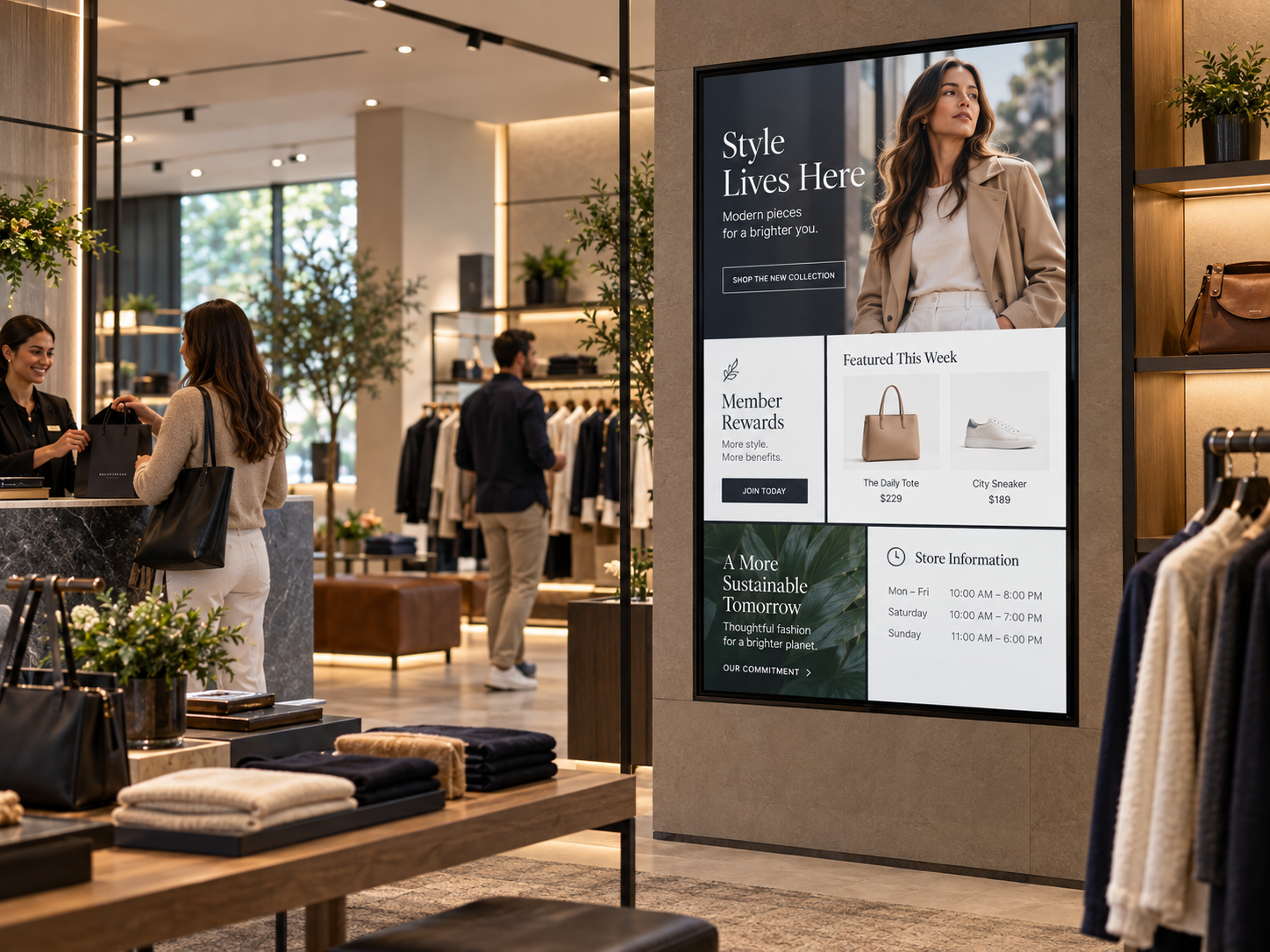
What you can show
Start simply
£0/month on a compatible Android TV or compatible Android dongle. Core signage with agreed advertising participation and a 60% revenue share.
More control
£9/screen/month, billed annually at £108 per screen, with Mattr Player included, advanced controls, optional advertising and 70% revenue share when enabled.
How it works
Use compatible Android hardware or a Mattr Player.
Upload, schedule and manage from your Mattr account.
Free participates in the network. Premium gives you the choice.
A closer look
Retail screens can support several stages of a visit, from introducing a collection near the entrance to explaining a product beside a display. Begin with the question the customer is likely to have in that position. They may want to understand an offer, compare a small number of options or see how a product is used. A screen is more useful when the message relates to the surrounding stock and the way people move through the shop. Avoid making one display responsible for every promotion at once.
A polished promotion needs accurate details as well as attractive artwork. Check prices, dates, exclusions and the destination of any booking or shopping link before publishing. Make the main message readable from the expected distance, with enough time to understand it during a normal visit. If an offer ends or a product becomes unavailable, include that in the content review routine. Screens should support the customer conversation rather than create confusion that staff then have to explain at the checkout or on the sales floor.
If your business has several branches, decide which messages should be shared and which need local treatment. Opening times, stock availability and local events may differ even when the overall brand presentation is consistent. Prepare a simple schedule covering the content owner, review dates and any necessary approval. Discuss advanced management requirements when considering Premium. You do not need to begin with a complex campaign calendar; a reliable process for keeping a few useful messages current is a stronger foundation than a large collection of content nobody maintains.
Relevant advertising may be an additional opportunity, but the screen still needs to serve the shop. Consider competitors, unsuitable categories and the moments when your own promotions should take priority. If you model advertising income, use the days and hours the screen is genuinely available. The calculator begins with twenty paid ad plays per screen per open hour and an average of 10p per play. Those assumptions can be changed and do not guarantee purchased inventory. Evaluate the commercial opportunity alongside the display’s role in merchandising and customer information.
Retail