
Start simply
Mattr Free
£0/month on a compatible Android TV or compatible Android dongle. Core signage with agreed advertising participation and a 60% revenue share.
Mattr Business · Workspaces
Use Mattr for internal communications, workplace updates and shared environments.
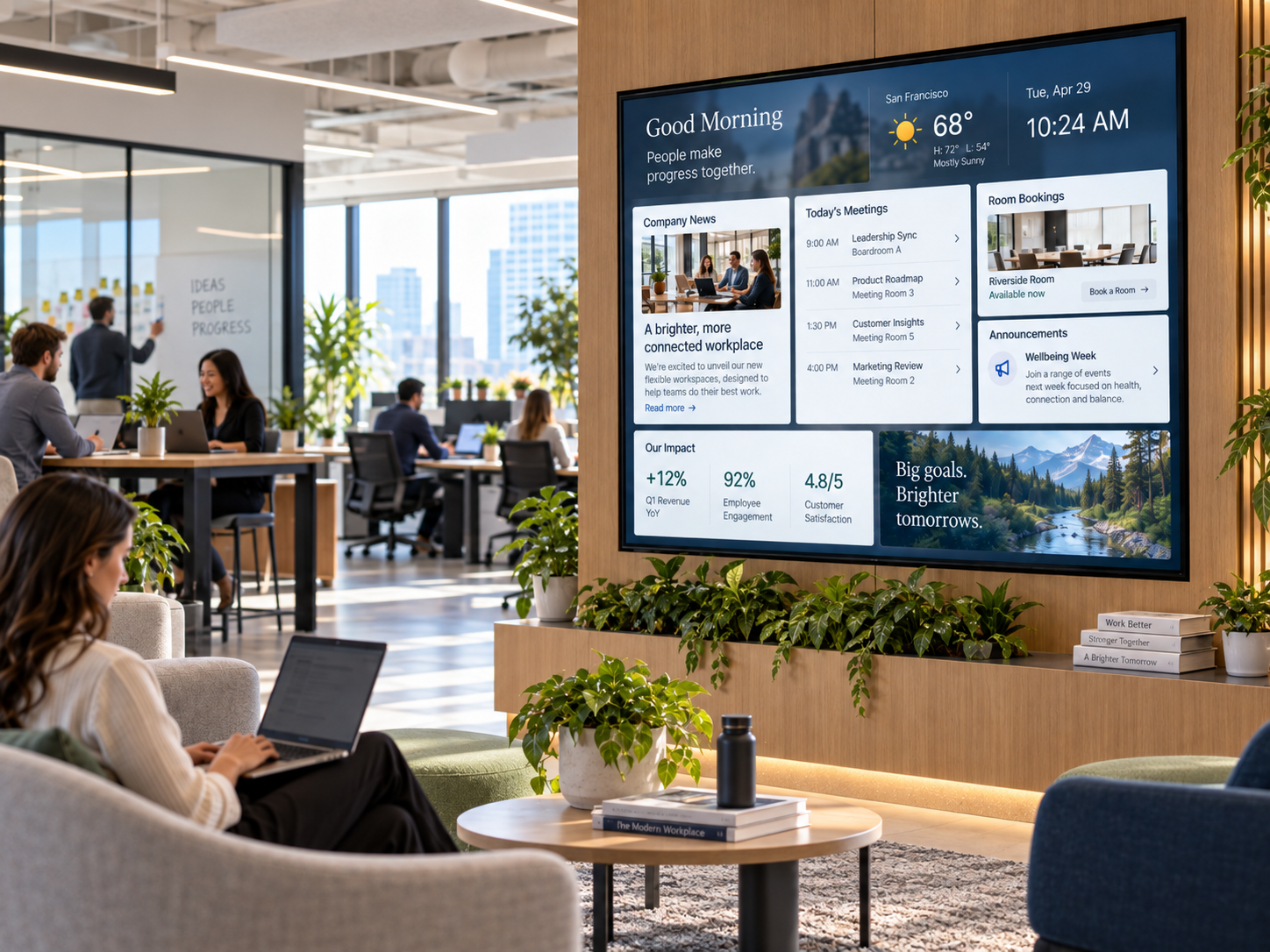
What you can show
Start simply
£0/month on a compatible Android TV or compatible Android dongle. Core signage with agreed advertising participation and a 60% revenue share.
More control
£9/screen/month, billed annually at £108 per screen, with Mattr Player included, advanced controls, optional advertising and 70% revenue share when enabled.
How it works
Use compatible Android hardware or a Mattr Player.
Upload, schedule and manage from your Mattr account.
Free participates in the network. Premium gives you the choice.
A closer look
A workplace can include reception spaces, shared desks, meeting areas and staff rooms, with different information needs in each. Visitors may need a welcome and directions, while colleagues may benefit from announcements, community events or a simple performance update. Start with the audience and purpose of each display. A screen that answers recurring questions can be useful without becoming a continuous stream of messages. Keep the scope focused enough that somebody can understand its main content during a normal walk through the space.
Consider what is appropriate for visitors to see before choosing the information shown on a shared screen. Internal dashboards, staff details and business performance figures may need a different audience from a public reception. Only use content that has been approved for that location. If you are exploring a dashboard connection, discuss access, formatting and compatibility first instead of assuming every source can be displayed safely. A public screen should not reveal private account information simply because a connected device can open the underlying page.
Choose a content owner who can check dates, remove expired notices and confirm that the screen remains useful. Link the review to a routine the team already follows, such as planning the coming week or checking upcoming events. For multiple locations, agree which messages should be consistent and where local information can differ. Think about typography, contrast and how much time people spend looking at the display. A short message with an obvious next step often works better than an internal document copied onto a large screen.
Some workspaces may welcome relevant advertising in public areas, while others need their displays to remain entirely focused on internal information. Consider the purpose of each location rather than treating all screens as interchangeable inventory. Premium provides the option to remain advertising-free. Where advertising is appropriate, use the earnings calculator to explore opening hours and demand assumptions. Its starting twenty paid plays per screen per open hour at 10p per play are illustrative. Choosing a plan should also account for content management, privacy and the practical experience of using the space.
Workspaces